
Choose a speed tier by looking at overlapping activity rather than the number of devices registered on the router. A sleeping tablet contributes little traffic; a computer uploading a large project while others stream can change the experience. Describe the busiest realistic combination before choosing capacity.
Before the visit, describe the intended cable path and any areas that require permission. Shared corridors, terraces, shafts and rented interiors can involve different access arrangements. Resolve those practical questions alongside the booking so the technician can assess a usable route.
How to request coverage near Neb Sarai
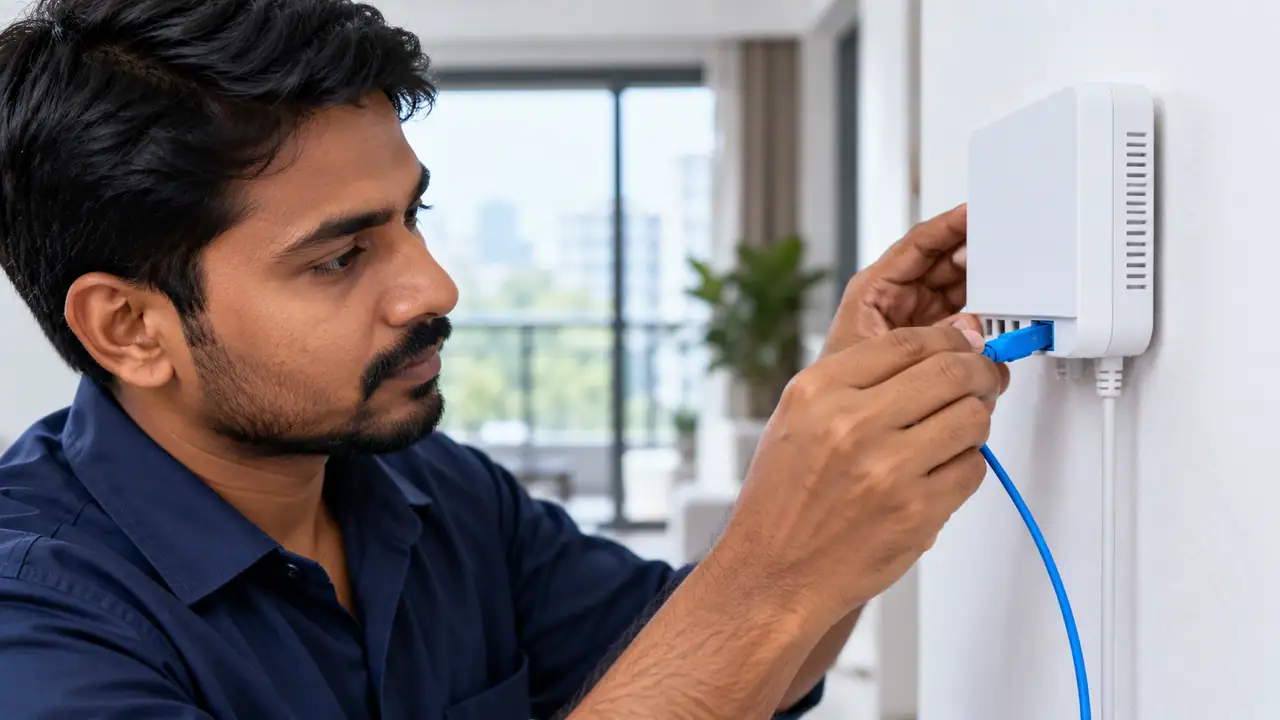
Check the power point and the space for the supplied equipment. Avoid deciding the router position only after the fibre has been fixed. The installation should support the rooms and devices you intend to use, with any additional cabling discussed in advance.
Mark the places where the connection must be useful: desks, televisions and other fixed or frequently used devices. Test those points with consistent equipment. A good result beside the router is a starting reference rather than a complete room-coverage assessment.
Choose capacity for the busiest realistic period
Make a short list of activities that are genuinely active together. Live calls, streams, large transfers and cloud synchronisation affect demand differently from devices that are simply connected. Use the busiest normal period as the basis for the discussion.
| Plan | Website price | Practical fit | Check before payment |
|---|---|---|---|
| 100 Mbps · topic focus | ₹499/month | one or two people, browsing, online classes and routine video calls | router ownership, return, security deposit and replacement terms |
| 200 Mbps | ₹699/month | families, shared flats, work-from-home meetings and several active devices | installation feasibility for the exact lane and building |
| 300 Mbps | ₹799/month | gaming, 4K streaming, creators, CCTV and heavier multi-device use | support availability when the connection is important for work or study |
| 500 Mbps | ₹1,699/month | high-capacity homes, studios and small offices with demanding simultaneous traffic | renewal period, offer conditions and any bundled equipment |
Agree on access before arranging the visit
- Agree where the fibre will enter and terminate.
- Choose a practical router position and power point.
- Arrange any owner or building access permission.
- Confirm which work is included in the installation.
- Ask for approval of extra charges before additional work.
- Keep the handover record and equipment details.
Avoid common router-position mistakes
Record which devices are supplied by the provider and which belong to you. Support and replacement responsibility can differ between an optical terminal, router and added access point. Agree those boundaries before purchasing or replacing equipment.
Ask for the model and features of the proposed router. Confirm its compatibility with the service and the devices that will use it. Terms such as dual-band or high-speed are useful only when the actual equipment and intended setup are understood.
Conditions to settle before payment
- Ask for a line-by-line first-payment quotation.
- Compare offers over the same billing period.
- Confirm applicable taxes and the normal renewal charge.
- Keep refundable security separate from subscription expenditure.
- Approve any additional work before it is carried out.
- Retain the quote and payment acknowledgement.
Questions before you choose or book
Can 100 Mbps broadband Neb Sarai be confirmed from the locality name alone?
Service must be confirmed for the exact building, unit and floor. Send Fiber Internet the full address, a landmark and any access restrictions. A locality page or a nearby connection is not a confirmed installation for another property.
What speed should be considered for Neb Sarai?
Choose around the activities that run together and the rooms that need reliable access. Then check upload requirements, device capability and the complete price. A larger headline Mbps figure is not a substitute for solving weak Wi-Fi or a device-specific fault.
How can I request the connection check?
The published speed is a useful planning reference, but it is not a promise that every device will achieve that figure over Wi-Fi. Router capability, wireless conditions, device hardware and the service being accessed can all affect an individual result. Use a capable wired device when checking the connection itself.
An example to help interpret the result
As an illustration, suppose a call works well beside the router but breaks up at the usual desk. Repeat the call over a suitable wired connection or from a better wireless position. If that changes the result, the indoor path deserves attention before the household buys a faster plan.
Illustrative situation, not a customer testimonial.Decide from the checks you have made
Make the next decision from the evidence already collected. If the address has not been confirmed, resolve feasibility first. If the wired connection is healthy but one room struggles, review coverage. If simultaneous demand is the constraint, discuss capacity with the provider.