
Published Fiber Internet plan options
Request a quotation that shows the service period, subscription, applicable taxes and any equipment or installation payment separately. This is the clearest way to understand what is due now and what will recur later. Confirm the final amount before treating a displayed monthly price as a complete order. Related information: broadband plans page
| Plan | Speed | Monthly price | Included benefits | Availability |
|---|---|---|---|---|
| Fiber Start | 100 Mbps | ₹499/month | Unlimited data, free installation, 24×7 customer support | Enquire |
| Fiber Plus | 200 Mbps | ₹699/month | Unlimited data, free installation, 24×7 priority support | Enquire |
| Fiber Pro | 300 Mbps | ₹799/month | Unlimited data, free installation, 24×7 priority support | Enquire |
| Fiber Ultra | 500 Mbps | ₹1,699/month | Unlimited data, free installation, 24×7 priority support | Enquire |
Start with the business processes that depend on connectivity: billing, calls, cloud applications, cameras or customer access. Identify which must keep working together and which can wait. This gives the provider a concrete service brief rather than a generic request for office Wi-Fi.
Ask whether the displayed figure is the normal renewal rate or part of an offer. If an introductory benefit applies, record its duration and eligibility conditions. Keep the written quote so a later renewal can be compared with what was agreed at the start. Related information: Call 9990881098 for a custom quote
Plan your office connection
Plan fixed desks and devices separately from guest access. A suitable wired path can simplify troubleshooting for important equipment, while a guest network can separate visitor use where the equipment supports it. Agree who will manage the router and maintain access credentials.
Read support and commercial terms alongside bandwidth. Ask how a fault is logged, what information the provider needs and which response commitments are actually included. If the business requires contractual service levels or special network features, request an appropriate quotation rather than assuming a residential plan includes them.
Published monthly plan references
Understand setup charges and the first payment
Standard installation
Advertised free installationBefore the visit, describe the intended cable path and any areas that require permission. Shared corridors, terraces, shafts and rented interiors can involve different access arrangements. Resolve those practical questions alongside the booking so the technician can assess a usable route.
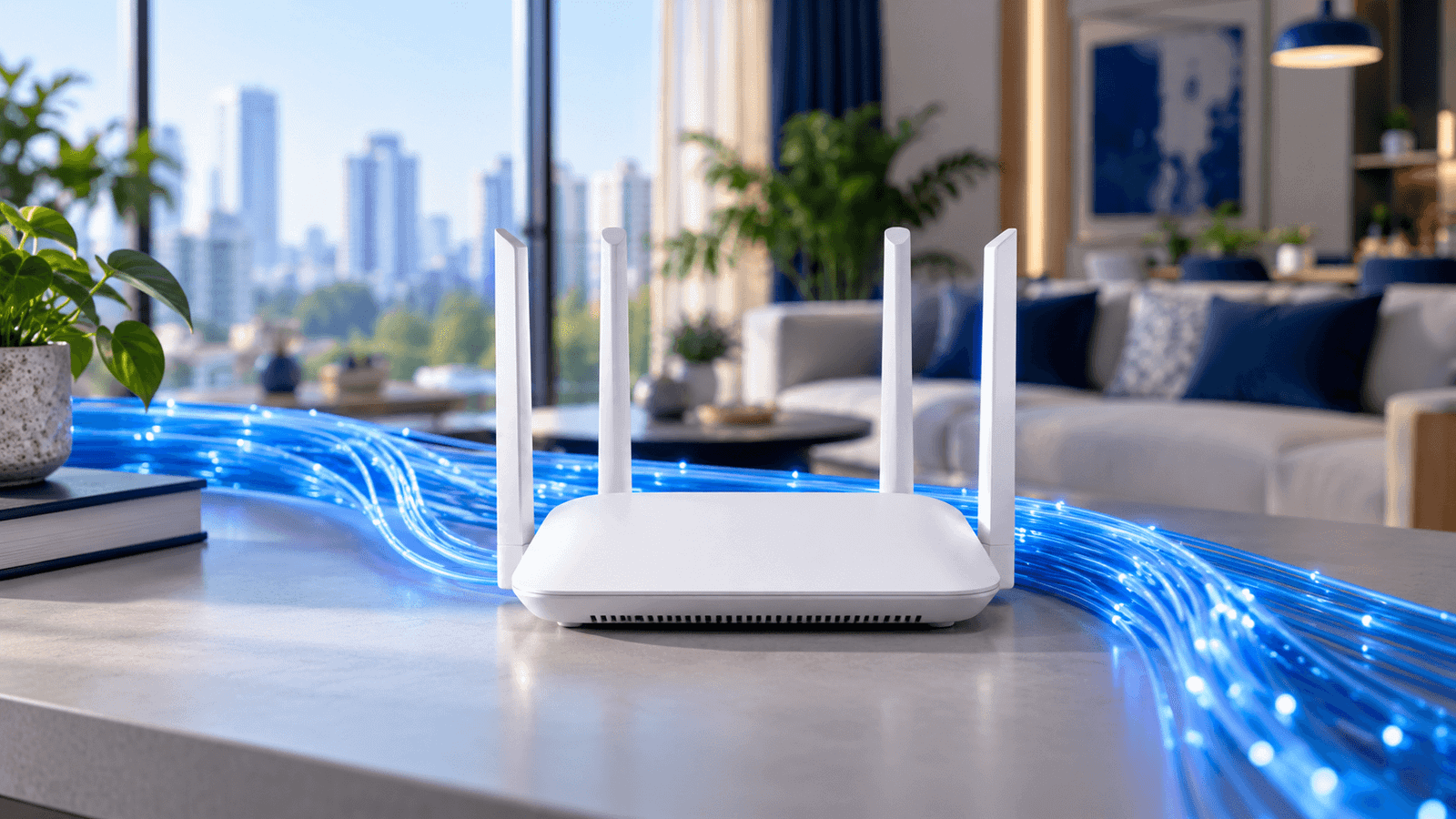
5G dual-band Wi-Fi router
Refundable securityRecord which devices are supplied by the provider and which belong to you. Support and replacement responsibility can differ between an optical terminal, router and added access point. Agree those boundaries before purchasing or replacing equipment.
Total payable
Request an itemised quoteThe website publishes monthly reference prices of ₹499 for 100 Mbps, ₹699 for 200 Mbps, ₹799 for 300 Mbps and ₹1,699 for 500 Mbps. Confirm the current order terms, billing period and any additional payable items with Fiber Internet before making payment.
Start with the most useful comparison
Keep the network understandable for the people responsible for it. Record the equipment, cabling, account reference and escalation contact without circulating passwords unnecessarily. If an outage would stop trading, discuss a tested fallback and the separate power requirements.
Answers to common booking questions
Is a standard broadband plan a leased line?
Discuss the business applications, upload demand, addressing needs and any contractual service-level requirements. These must be stated in an appropriate quotation; they should not be inferred from an ordinary broadband price or a general business label.
Can I get connected in The Garden of Five Senses?
Service must be confirmed for the exact building, unit and floor. Send Fiber Internet the full address, a landmark and any access restrictions. A locality page or a nearby connection is not a confirmed installation for another property.
Is the Wi-Fi router free?
The published offer describes a dual-band Wi-Fi router against refundable security. Ask for the deposit, ownership and return conditions in the quotation. Do not treat refundable equipment security as a free router or as part of the recurring subscription.
Refundable equipment security belongs on a separate line from non-refundable service charges. Ask what equipment the security covers, which return conditions apply and how the refund is processed. A receipt is useful only when the purpose of the payment is clear.
WhatsApp 9990881098 → · Call nowChecks to complete before deciding
- List the business tasks that must run simultaneously.
- Identify critical fixed devices and guest-access needs.
- Confirm the device model and who owns it.
An example to help interpret the result
As an illustration, suppose a call works well beside the router but breaks up at the usual desk. Repeat the call over a suitable wired connection or from a better wireless position. If that changes the result, the indoor path deserves attention before the household buys a faster plan.
Illustrative situation, not a customer testimonial.Decide from the checks you have made
Make the next decision from the evidence already collected. If the address has not been confirmed, resolve feasibility first. If the wired connection is healthy but one room struggles, review coverage. If simultaneous demand is the constraint, discuss capacity with the provider.