
If you want Low Latency Broadband South Delhi, separate throughput from delay. A 300 Mbps plan can still have higher latency to one distant server than a lower tier has to a nearby server. Test consistently and record where the delay appears.
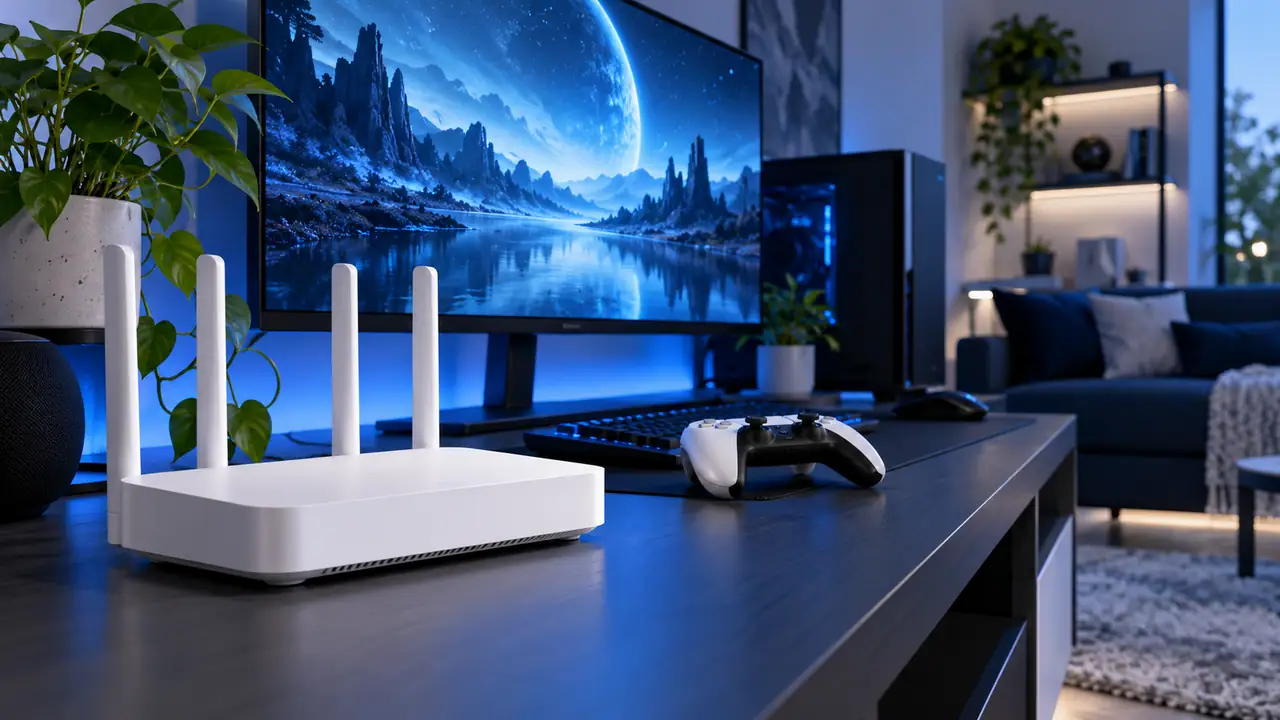
Collect a repeatable latency sample
Use the same device, server and wired/Wi‑Fi method for several tests. Note time of day and whether other traffic was heavy. A single ping screenshot without context cannot show whether the delay is inside the home, on the access network or farther toward the destination.
What to send technical support
- Date and time
- Wired or Wi‑Fi
- Application/server affected
- Whether every destination is slow
- Whether a restart changed anything
Create a small latency log: timestamp, wired or Wi-Fi, server/app, ping/latency result and whether the household was busy. Repeat the same test several times. This makes it easier to see whether delay appears only on Wi-Fi, only to one destination, or across the connection. That pattern is far more useful to support than one screenshot.
A practical example
Measure before you change the plan
When performance matters, record the device, connection method, location in the home and competing traffic. That evidence helps distinguish plan capacity from Wi‑Fi or route issues.
Call or WhatsApp 9990881098 with the full address, floor and landmark. Ask for current feasibility and payable terms before you book.
Related Fiber Internet pages
- South Delhi broadband/service page
- current broadband plans
- internet speed test
- South Delhi service areas
- contact Fiber Internet Broadband
Questions people ask before ordering
What makes a latency test comparable?
Use the same device, destination and wired/Wi‑Fi method, and note the time.
Can speed be high while latency is poor?
Yes. Throughput and delay measure different things.
What should I report to support?
Time, destination/app, wired or Wi‑Fi, and whether the issue affects every service or only one.
Conclusion
Choose gaming broadband around stability and your household’s simultaneous use. Test the game on a suitable wired connection before deciding that more bandwidth is the solution.